
Mode
Hunt
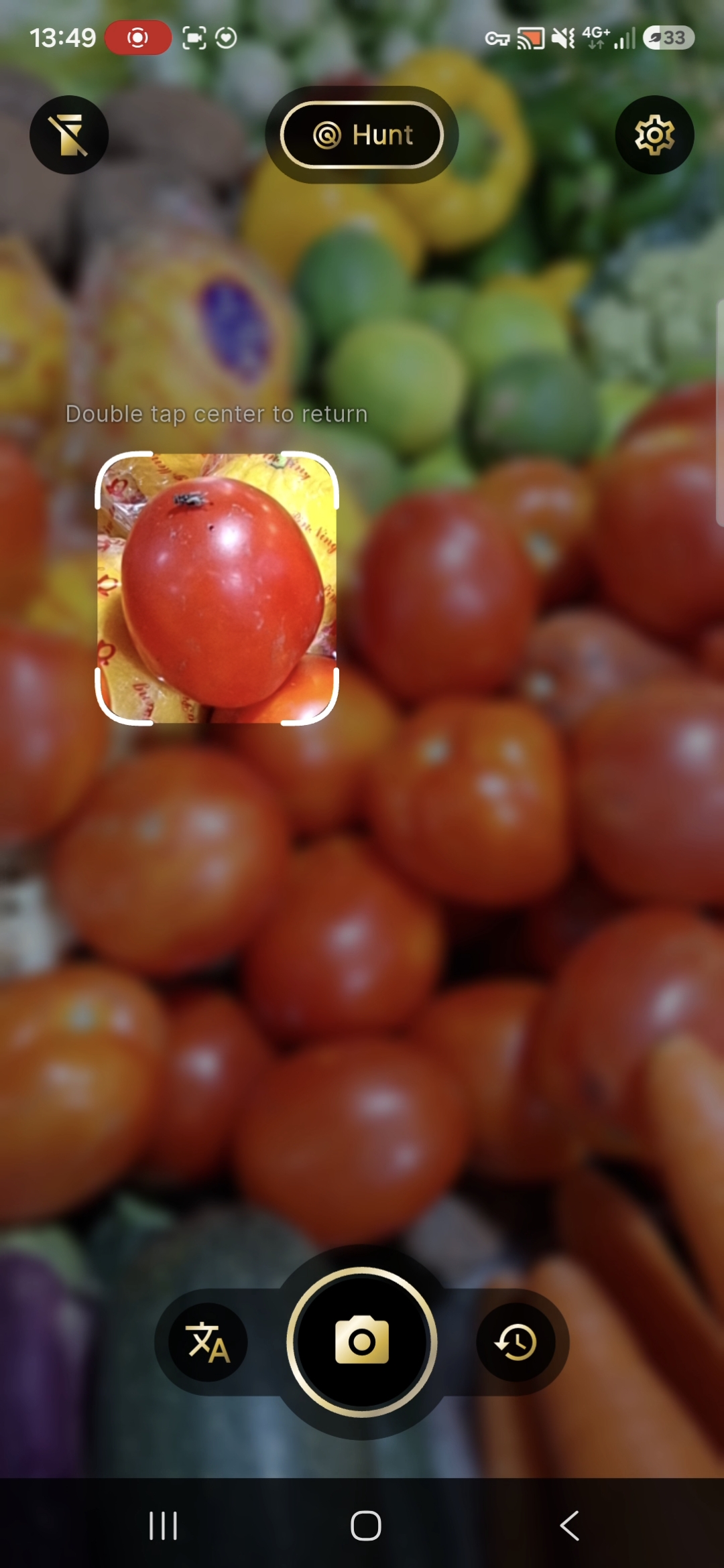
One item. Focused help.
Line a single object up in the white reticle. Tap and hold. When the result appears, play the word, then open Market or Sayings for lines related to that item.
Casual Khmer · Real life in Cambodia
All spoken at the tap of a button.
No account required.
Android · Closed testing now
Public listing soon · No signup
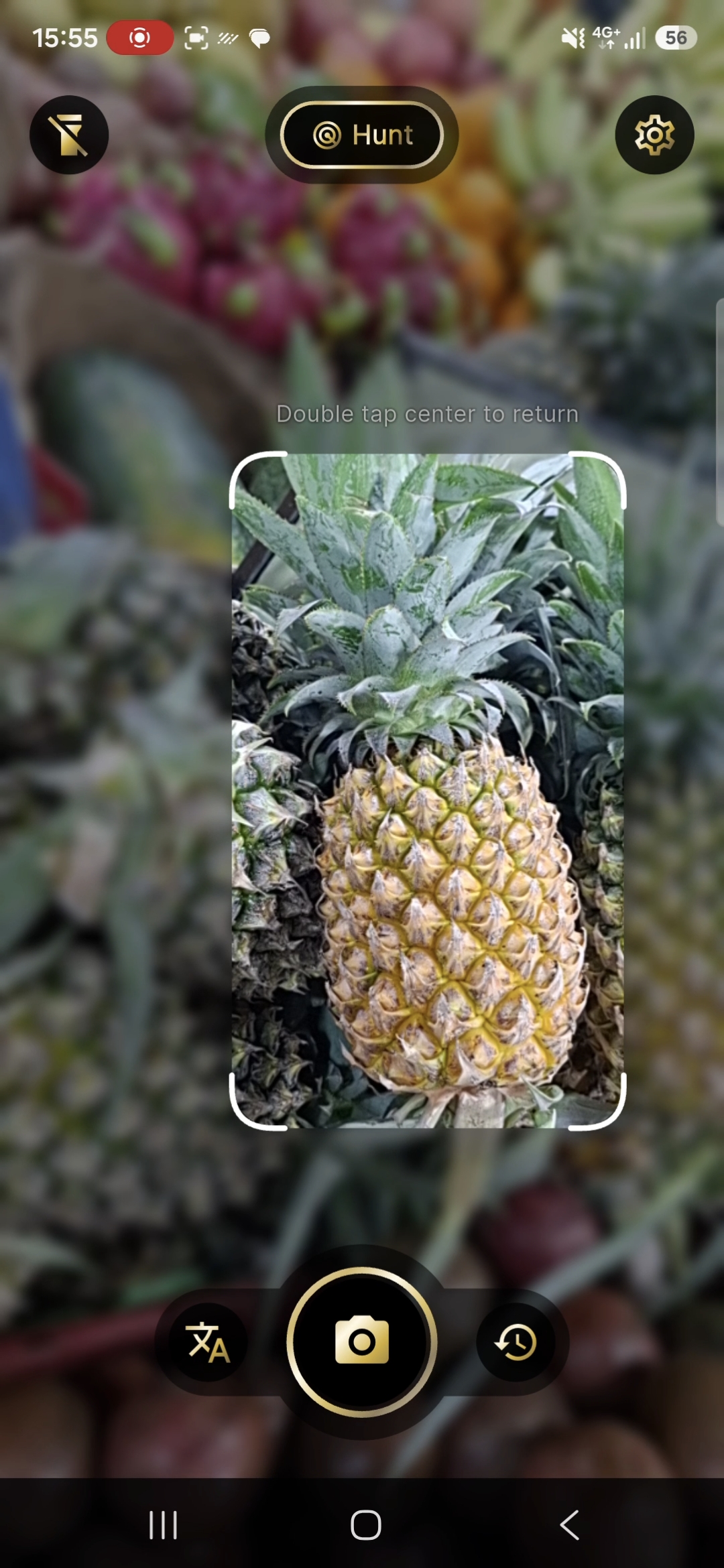
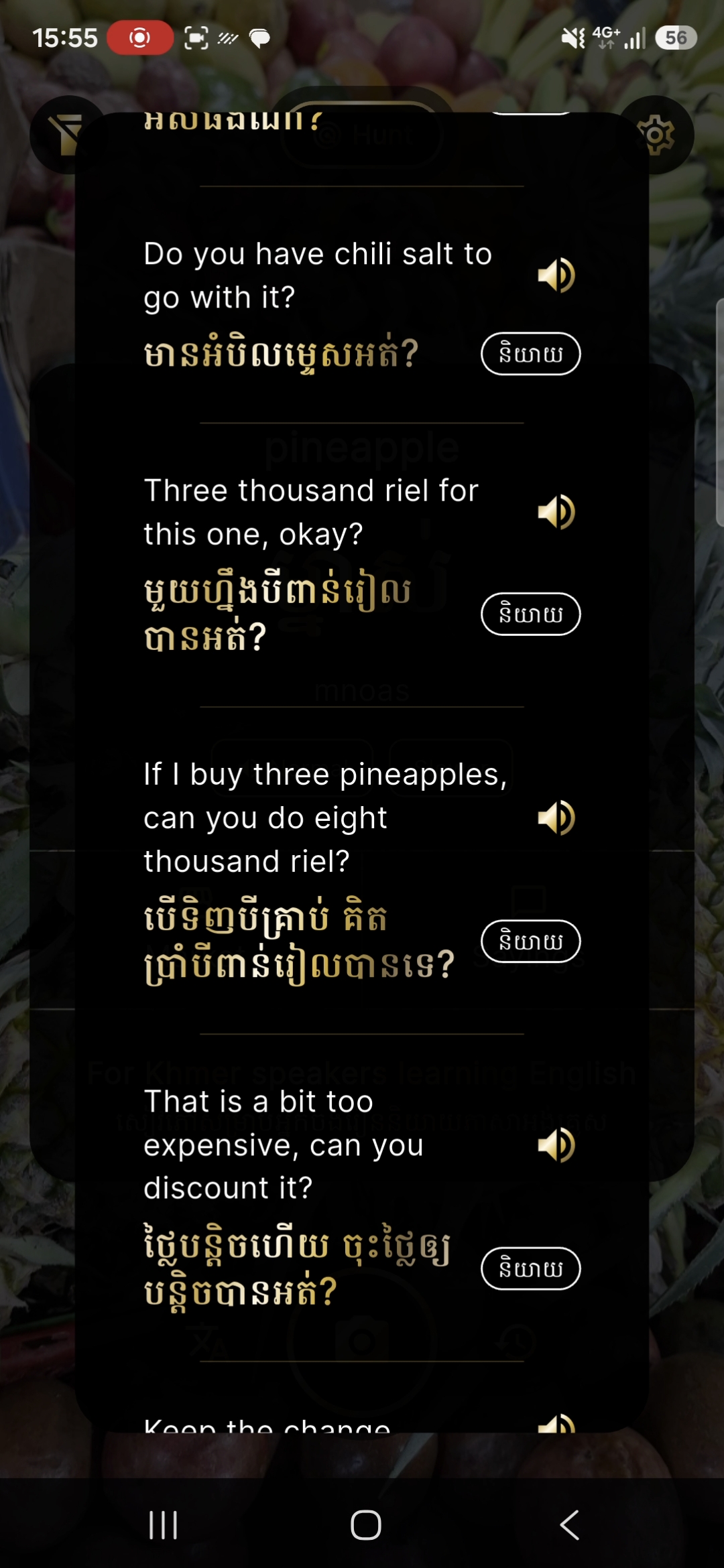
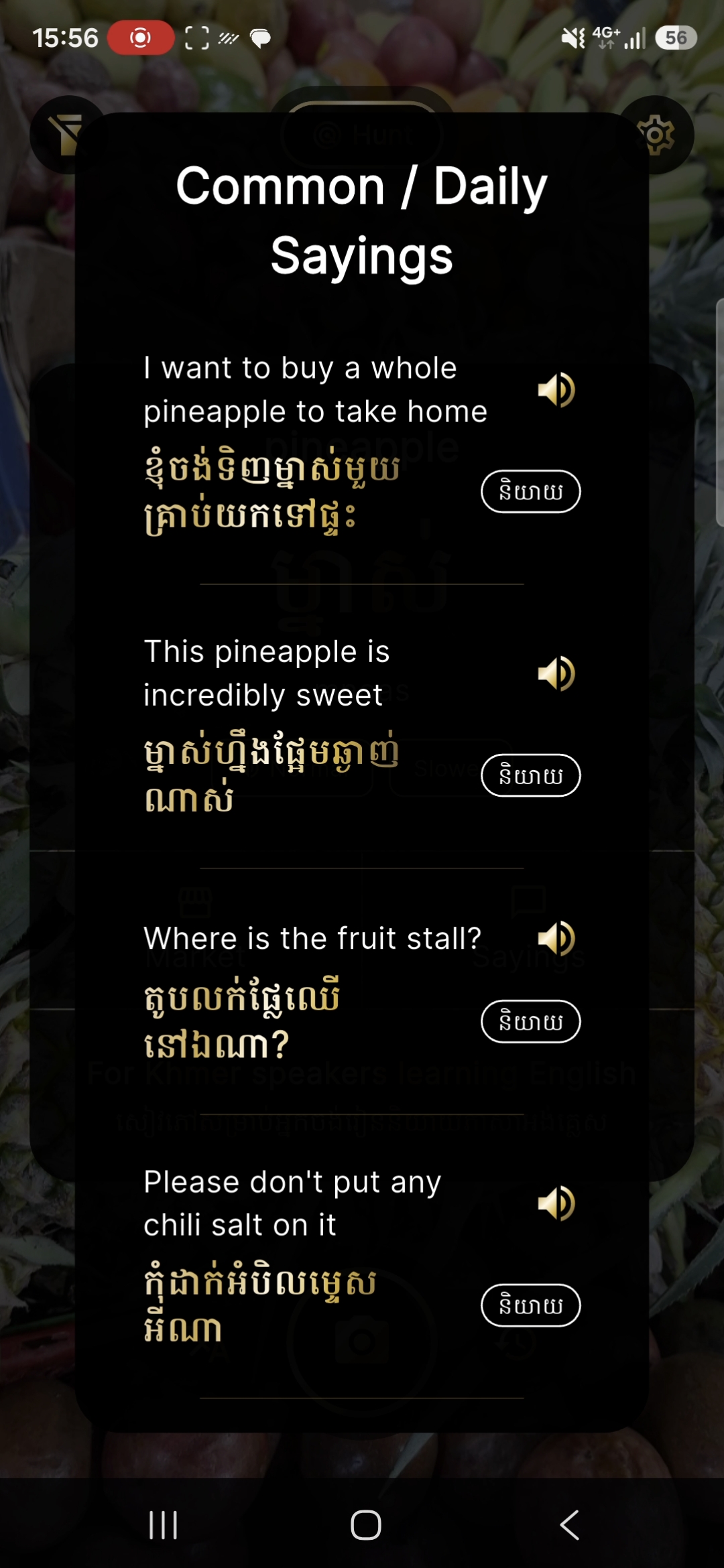
1. Point. Frame the pineapple in the white reticle.
The awkward five seconds
You type something into a translator.
You show it to someone.
They read it.
Quiet pause.
Then comes the confused, polite smile.
You smile back.
And start getting creative.
LingoEye is built to eliminate that 5 sec awkward pause caused by regular translators being too rigid for the local level.
At the stall
You are standing at a market looking at something you want to buy. You do not only need its name. You need the questions that come next, and language you can actually use with the person in front of you.
What you need to ask
Dictionary apps stop at the label. LingoEye is built for the conversation around the object.
Frame the object with the camera. One item carefully, or a whole stall in Scan.
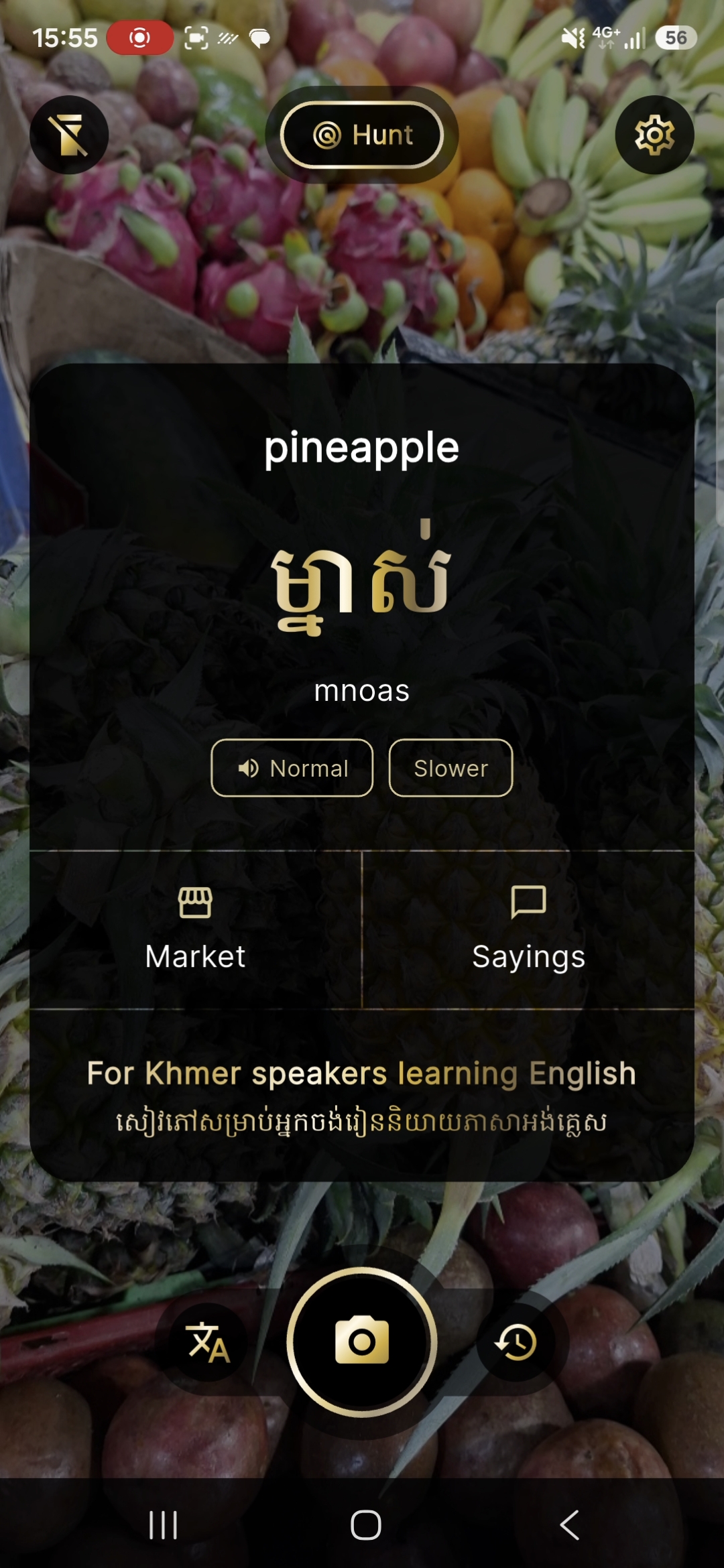
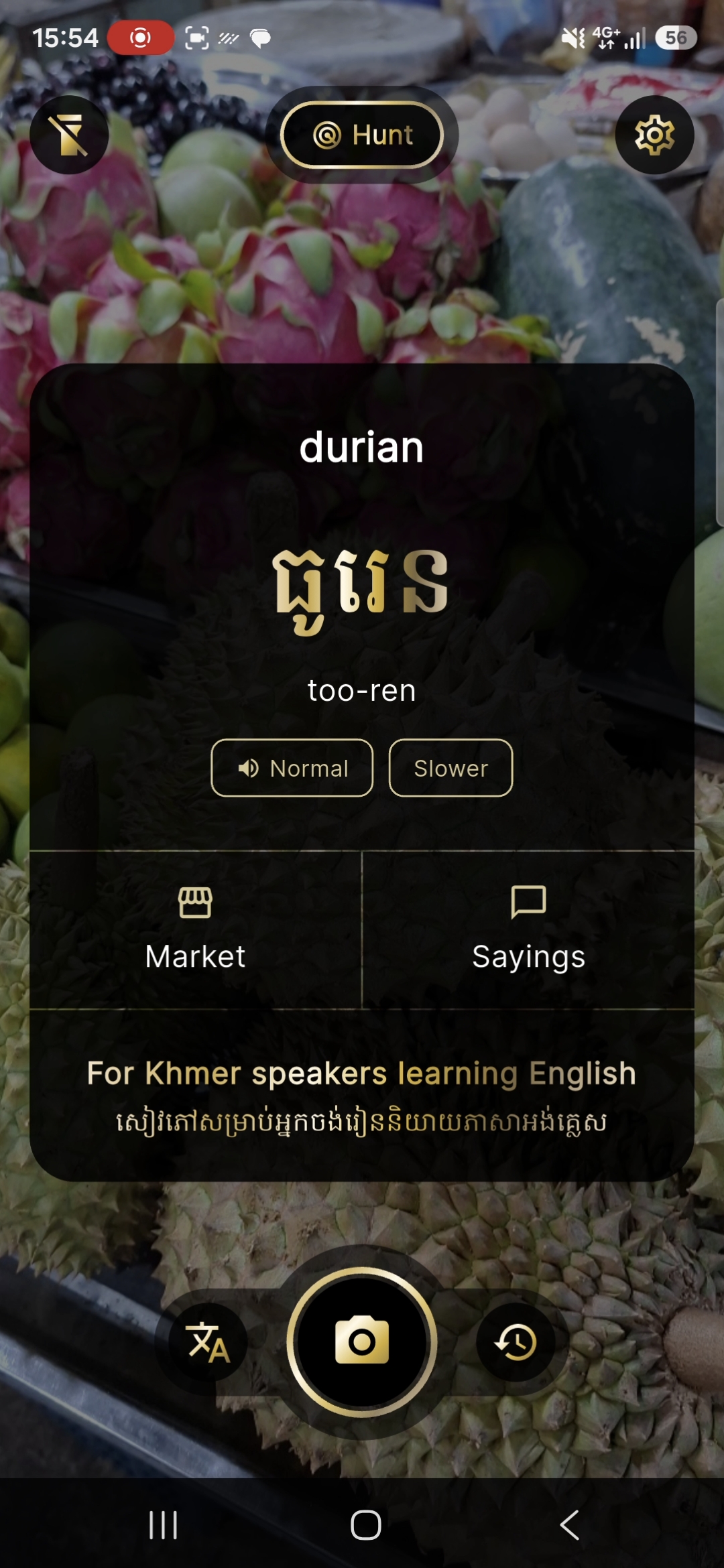
See the Khmer word, how to sound it out or play it on speaker. Choose which set of questions or sentences you need to play in the moment.
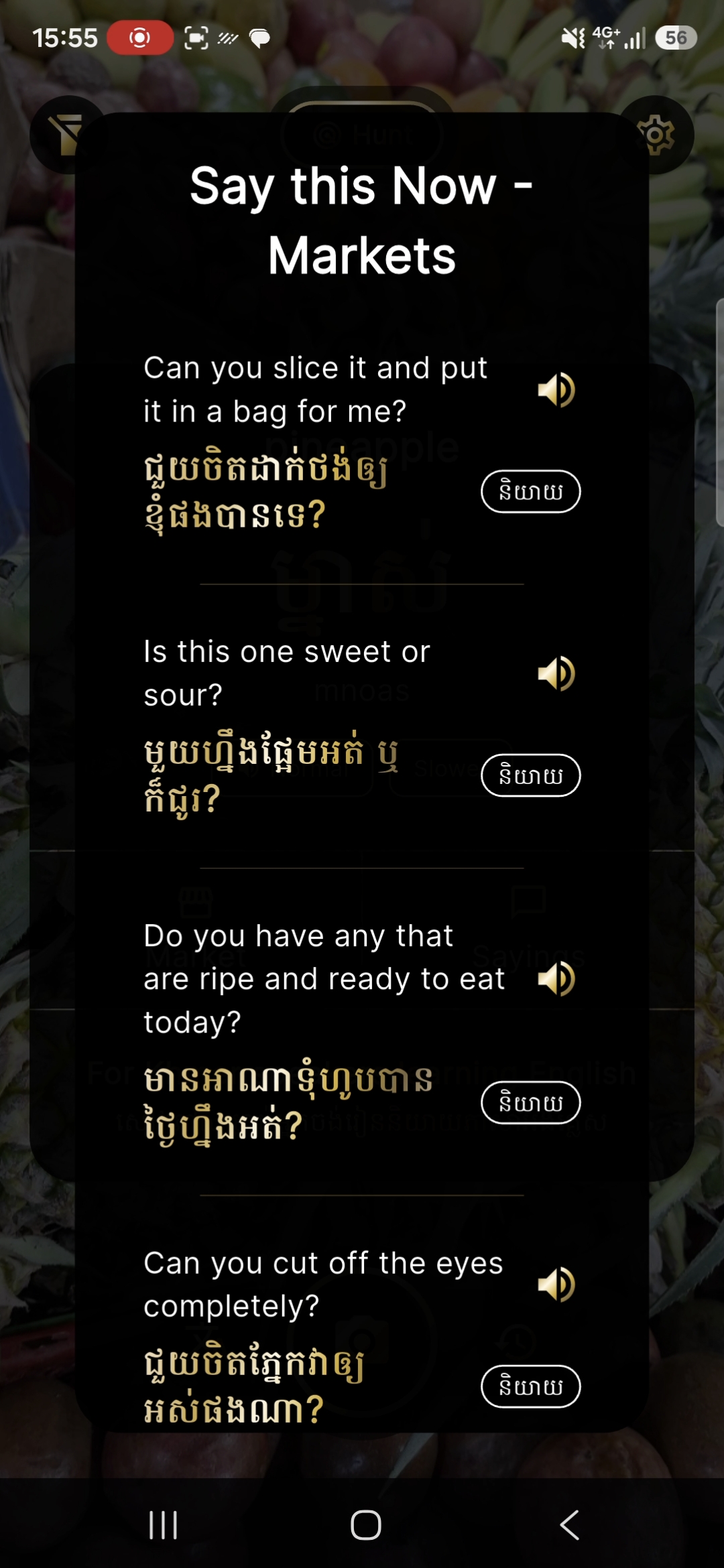
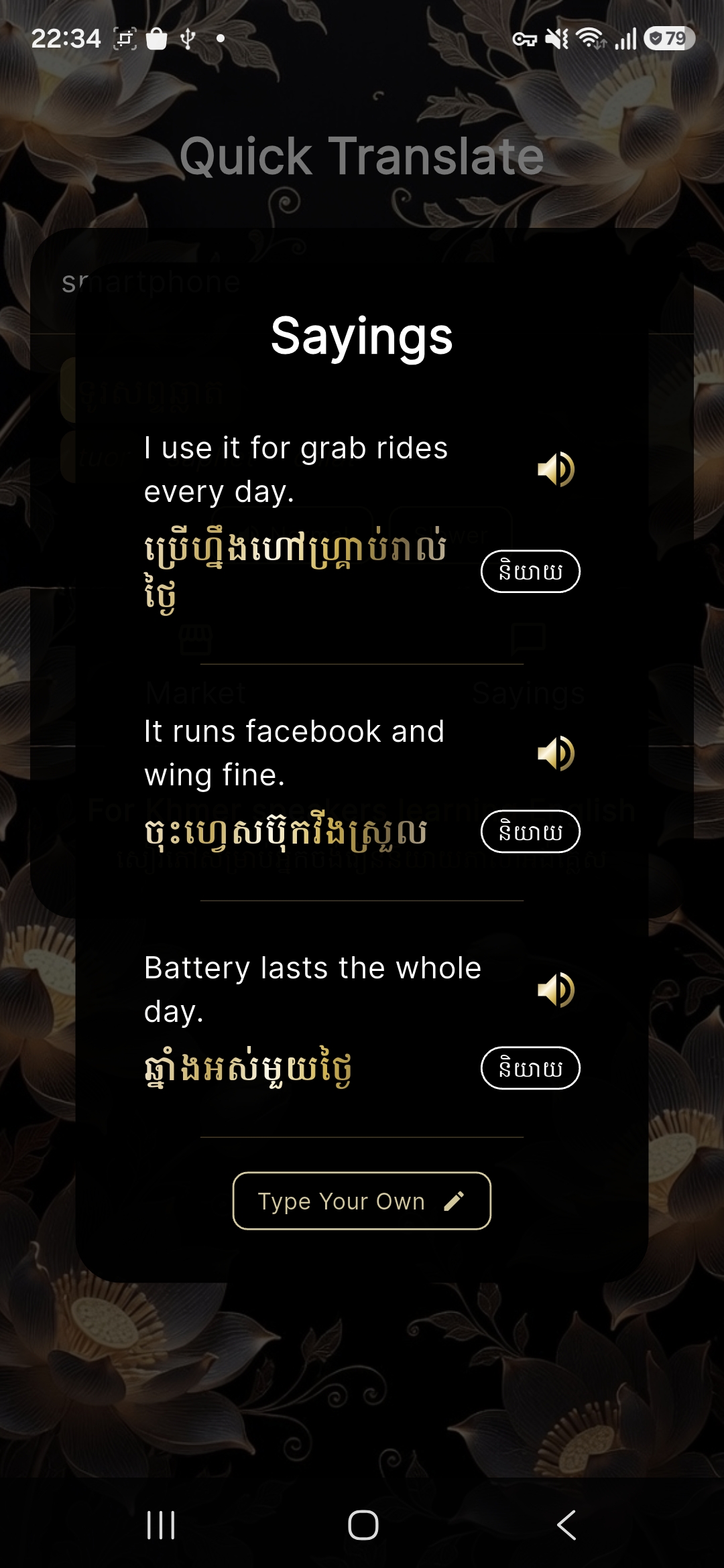
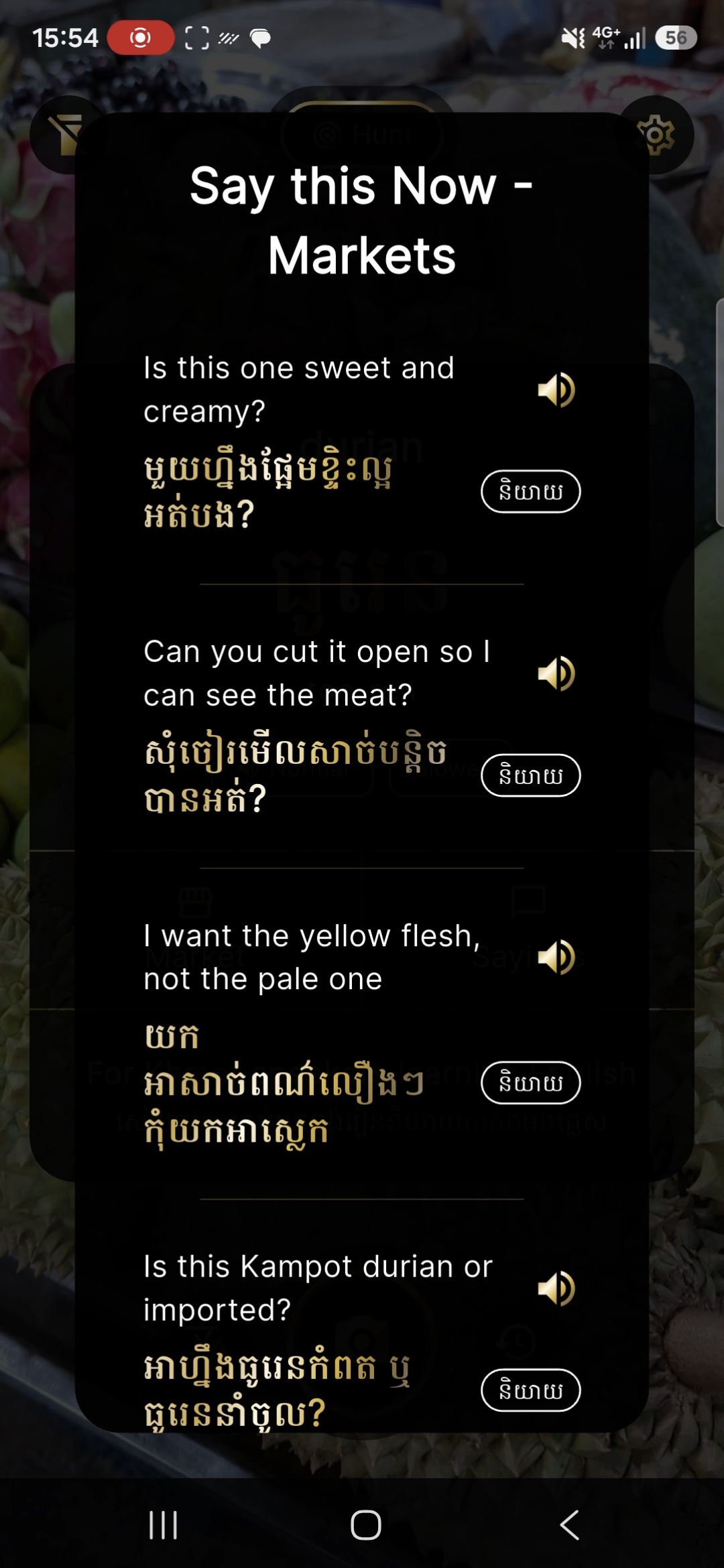
Open Market or Sayings for questions you can use right away. Then tap the speaker button to play them out loud.
One camera app
Hunt, Scan, and Quick Translate are modes of one product, not three separate tools. Street Khmer you can use on the spot.
Mode
One item. Focused help.
Line a single object up in the white reticle. Tap and hold. When the result appears, play the word, then open Market or Sayings for lines related to that item.
Mode
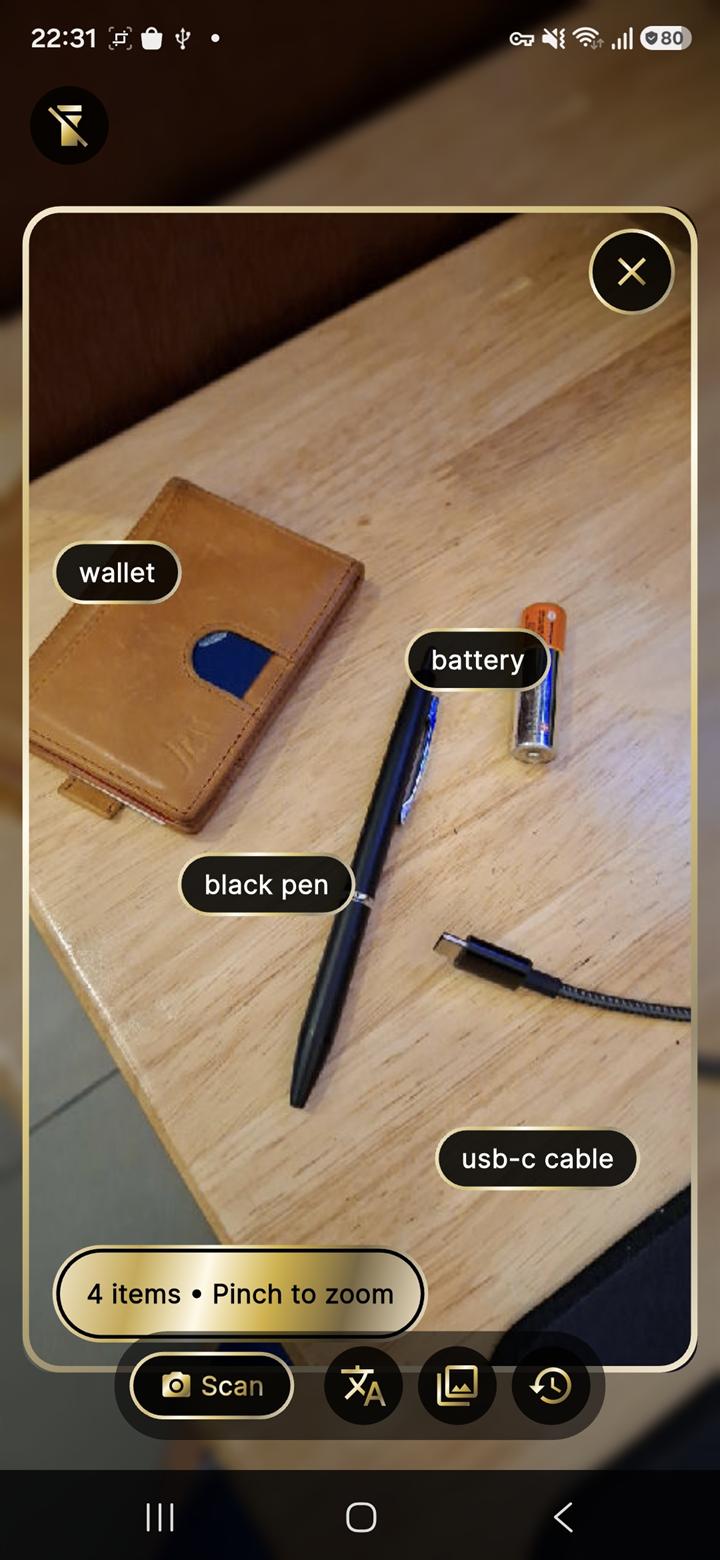
A whole stall, shelf, or gallery photo.
Get multiple items all in one frame or upload your own pics from device gallery. Tap and hold. Tap any item label on the photo to open that item's phrases, questions, and sayings.
Mode
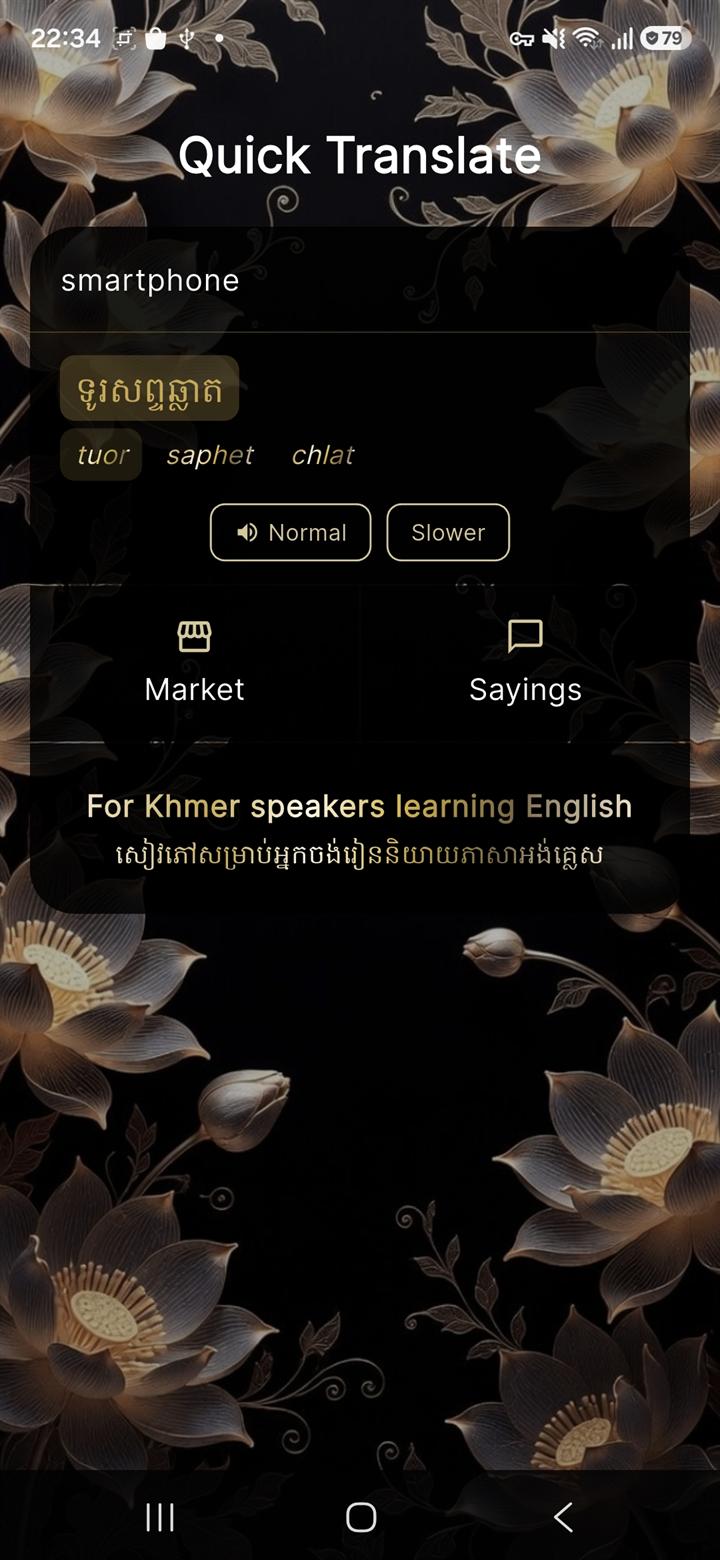
When you already know what you need to say.
Type the English word or short phrase. Get street Khmer, pronunciation help, and the same phrase packs without using the camera. Market and Sayings work the same way as after a camera capture. Tap a highlighted word to play just that word.
After the capture
Whatever you capture, you get the same results you can use right then. No walls of text. Nothing to look up.
Built this as a tool for myself to help navigate Siem Reap and learn Khmer in a way I can digest better. Since it’s made from what I actually needed, maybe it can be useful to you as well.
Android · Closed testing
LingoEye is on Google Play closed testing while we gather early feedback. There is no public install button yet. That appears here when the store listing goes live.
Testers: you'll get the Play Console opt-in link or email invite from us, not from a public store search yet.
Coming soon on Google Play